Showing posts with label cap-en. Show all posts

Joomla Articles & ACYMailing Newsletters

Joomla Video Tutorials Screenshot

In this video tutorial I'll show you how to pull an article into an ACYMailing Newsletter

Duration 10.16 mins
Quality HD
Caption English
Version Joomla 1.5.24
Uploaded on Jan 26, 2012
Date Added Oct 8, 2012
Extensions Acymailing
Category Extensions, Components

Creating a new Acymailing template with a different font

Joomla Video Tutorials Screenshot

This video shows you how to create a new Acymailer template that includes a different font in the content area.

Duration 2.31 mins
Quality SD
Caption English
Version Joomla 1.5.15
Uploaded on Jan 22, 2012
Date Added Oct 8, 2012
Extensions Acymailing
Category Extensions, Components

Joomla Tutorial: Add an Image to an EasyBlog 3.0 Blog Post

Joomla Video Tutorials Screenshot

From http://www.digitalbloom.ca/ In this tutorial, we demonstrate how to insert an image into a Joomla 1.5, 1.6 or 1.7 blog post using EasyBlog 3.0. More Joomla tutorials available on our website.

Duration 2.04 mins
Quality HD
Caption English
Version Joomla 1.5.x
Uploaded on Oct 19, 2011
Date Added Oct 6, 2012
Extensions EasyBlog
Category Extensions, Components

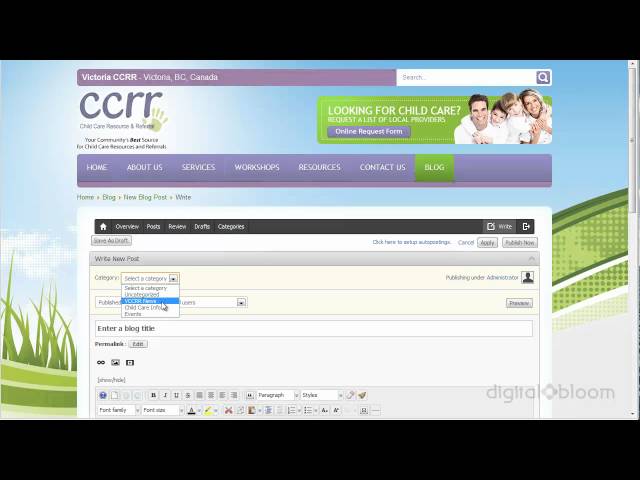
Joomla Tutorial: Add a Blog Post with EasyBlog 3.0

Joomla Video Tutorials Screenshot

From http://www.digitalbloom.ca/ In this tutorial, we demonstrate how to add a new blog post with EasyBlog 3.0 on a Joomla 1.5.

Duration 2.57 mins
Quality HD
Caption English
Version Joomla 1.5.x
Uploaded on Oct 9, 2011
Date Added Oct 6, 2012
Extensions EasyBlog
Category Extensions, Components

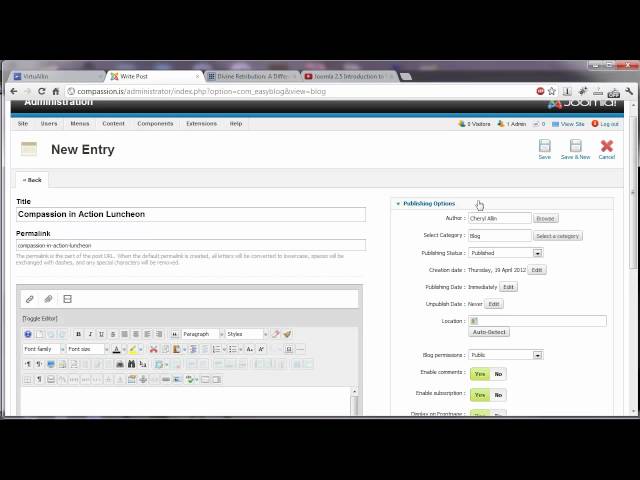
Joomla 2.5 Introduction to Easy Blog

Joomla Video Tutorials Screenshot

Our introduction to adding and managing blog posts and bloggers in the Easy Blog component for Joomla 2.5

Duration 4.40 mins
Quality HD
Caption English
Version Joomla 2.5.3
Uploaded on Oct 19, 2012
Date Added Oct 4, 2012
Extensions EasyBlog
Category Extensions, Components

SP-GeoMap Field for SobiPro

Joomla Video Tutorials Screenshot

The SobiPro SP-GeoMap Application adds a Custom Field to your SobiPro Directory Component for the Joomla! Content Management System. This will automatically create a Google map based off your geo-location using your current IP Address. When you enter the street address into the SobiPro entry form, it will update again to that location automatically. You can find out more information on the SobiPro SP-GeoMap Application or SobiPro Component for Joomla by visiting the SobiPro Club at http://sobipro.sigsiu.net

Duration 1.52 mins
Quality HD
Caption English
Version Joomla 1.5.x
Uploaded on Mar 23, 2011
Date Added Sep 29, 2012
Extensions SobiPro
Category Extensions, Components